
The Automation Log
Automation for home services: from emergency call to booked job
Plumbers, HVAC techs, and electricians lose jobs to whoever answers first. Learn the automation flow that captures emergency calls and books the job automatically.
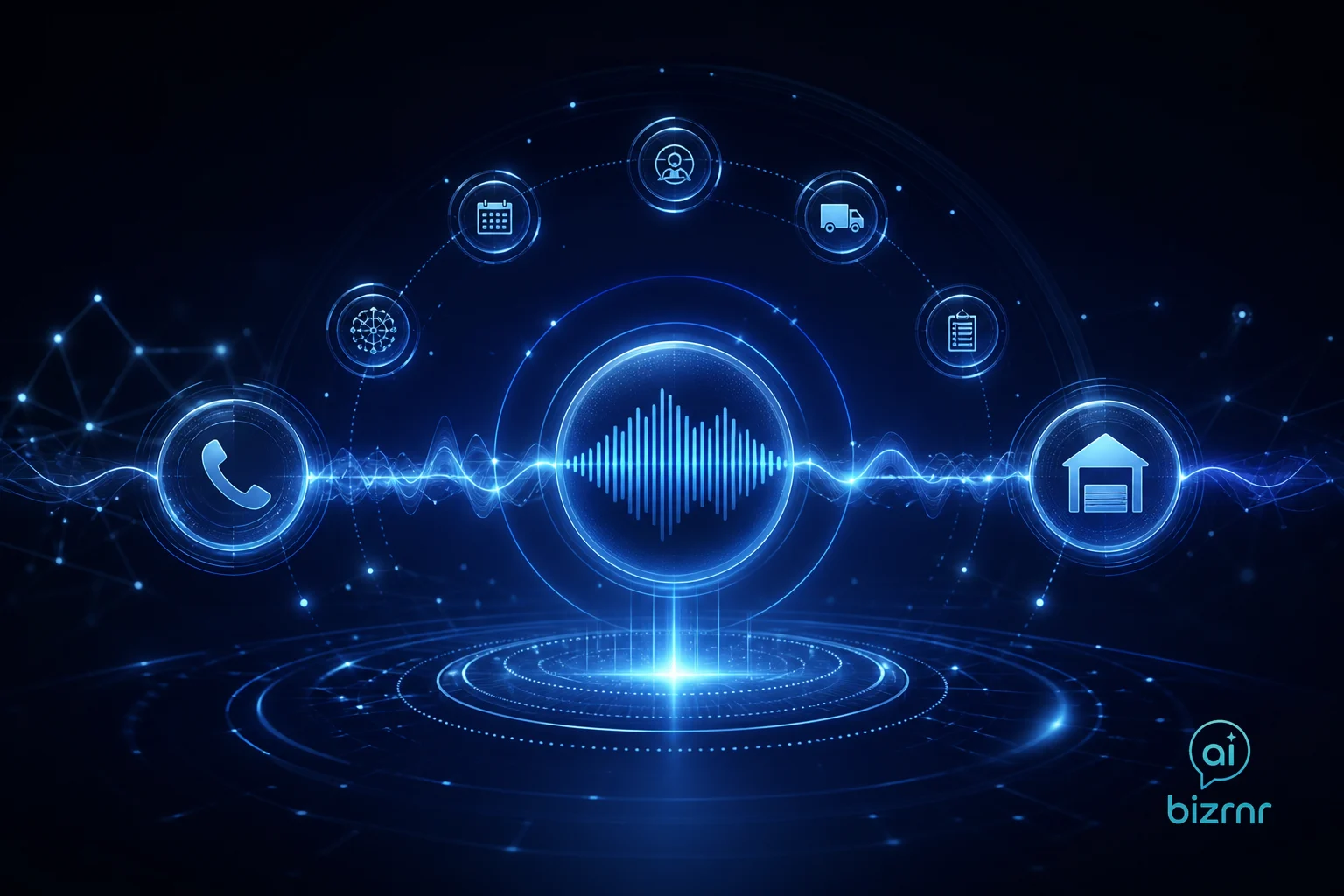
Home service automation converts an emergency call into a confirmed, dispatched job without a human touching the phone. The flow works the same at 2 PM or 2 AM: answer instantly, qualify the problem, check the schedule, book the slot, and notify the tech. That sequence — executed by software — is how a one-truck operation competes with a regional fleet.
Why the emergency call is the highest-stakes moment in home services
A homeowner with a burst pipe or a dead furnace in January is not comparison shopping. They are calling down a list and hiring whoever picks up. If your phone goes to voicemail, they move on. The job is gone before you even know it existed.
The math is brutal in its simplicity. Model it on your own numbers: take your average job revenue, multiply by the calls you miss in a week, and run that out twelve months. That single line item is usually the most compelling argument for automation a home service owner will ever see. The hidden P&L line: what missed calls really cost a service business walks through exactly that exercise.
Speed matters beyond just answering. Speed to lead: why the first minutes decide who wins the customer makes the case that response time is often the only differentiator a caller registers — not price, not reviews, not years in business.
What does the full automation flow actually look like?
The flow from first ring to booked job has five stages. Each one can be automated; the handoffs between them are where most businesses leak jobs.
| Stage | What happens | Tool type |
|---|---|---|
| Answer | AI voice agent picks up every call | Voice AI |
| Qualify | Agent collects problem type, address, urgency | Conversational AI |
| Schedule | Agent checks live availability and offers slots | Scheduling integration |
| Confirm | Caller gets SMS/email confirmation | Messaging automation |
| Dispatch | Tech gets job details via app or text | Field service / CRM |
The qualify stage is where most generic setups fall short. A plumbing call needs different triage than an HVAC call. “Is there active water damage?” is a different branch than “Is the system not cooling at all or just underperforming?” The script has to match the trade. Designing a voice agent that sounds like your business, not a robot covers how to build those branches without making the caller feel like they’re navigating a phone tree from 2004.
How do you handle true emergencies versus standard bookings?
True emergencies — active flooding, no heat below freezing, electrical smell or sparks — require a human response, not a scheduled appointment. The automation flow must branch cleanly.
When the agent detects emergency keywords or the caller explicitly states urgency, the flow escalates: it sends an immediate push notification or SMS to the on-call tech, tells the caller a tech will call them back within a defined window, and logs the record in the CRM. The tech calls back; the system has already given them the address, problem description, and caller contact. Zero time wasted on intake.
Non-emergency calls — tune-ups, installs, second opinions — go straight to the scheduling branch. The agent offers available slots, the caller picks one, and the confirmation fires. No dispatcher involved.
In the home service businesses I’ve studied and built systems for, the single biggest job-loss event is the unanswered after-hours call — not pricing, not reviews, not technician quality. A voice AI that answers, qualifies urgency, escalates true emergencies to an on-call tech, and books standard jobs directly into the schedule eliminates that loss entirely. The emergency escalation branch is non-negotiable: the agent must recognize distress signals and route to a human within a defined response window rather than attempting to book an appointment. When that flow is built correctly — with trade-specific intake questions, live schedule access, and a confirmed dispatch notification to the tech — the gap between “call received” and “job booked” collapses to minutes. As of September 2026, this is the pattern I deploy first for any home service operator who wants to stop losing work to whoever answers faster.
What tools connect the voice agent to your schedule and field ops?
The voice agent is only as useful as what it connects to. A booking that lives only in the AI and never reaches your scheduling software is a broken flow.
The integration stack for a home service business typically looks like this:
- Voice AI layer — answers calls, runs the qualification script, handles escalation logic. Business Runner is built specifically for this kind of always-on intake.
- Scheduling/field service software — holds the real-time calendar, truck assignments, and job records. The voice agent writes directly to this via API or a middleware connector.
- CRM — stores the lead record, call transcript, and follow-up triggers. If the job doesn’t close on the first call, the CRM fires a follow-up sequence.
- Notification layer — SMS to the tech, confirmation to the customer, alert to the owner’s dashboard if an emergency escalation fires.
If you’re evaluating where to start, which tasks to automate first gives a prioritization method that applies directly to this stack. For most home service operators, the answer is always the phone.
Building the flow without breaking what already works
The risk in any automation project is disrupting the parts of the business that function. A tech who has always gotten dispatch calls from the owner doesn’t automatically trust a system text. The owner who handles after-hours calls personally has tribal knowledge baked into that habit.
Roll the automation in stages. Start with after-hours only — the calls that were going to voicemail anyway. Measure what gets captured. Once the team trusts the data, expand to business hours overflow. Then full coverage. That sequence protects revenue while the team builds confidence in the system.
As a Fractional Chief Automation Officer, this is the sequencing I use: lowest risk first, prove the model, then scale. It’s the same approach I’d apply whether the business has two trucks or twenty.
Want to hear how the intake flow sounds in practice? Talk to the voice agent on this site — it runs the same pattern.
Questions people ask
Can an AI answer emergency plumbing or HVAC calls after hours?
Yes. An AI voice agent answers every call regardless of time, collects the problem details, and either books a next-available slot or escalates a true emergency to an on-call tech via text or call. No voicemail, no missed job.
How does automation handle dispatching a technician from a phone call?
The voice agent captures job type, address, and urgency, then writes a structured record to your scheduling or field-service software. A dispatch notification fires to the right tech automatically. The customer gets a confirmation without a human touching the workflow.
What happens if the AI can't handle the caller's situation?
Well-designed flows include a clear escalation path — the agent tells the caller it's connecting them to a live person or sends an immediate alert to the on-call tech. The goal is zero calls that end in silence. See the post on human-in-the-loop design for how to set those thresholds.